Memory Bank (Local)
Everything stored in .codex/ — context, constraints, patterns, glossary.
 Codex MemKit
 Repo-local memory + workflow contract
Repo-local memory + workflow rules for Codex. Ship fast without rewriting history.
Stop losing context, stop accidental repo chaos, and stop “helpful” edits to decisions you already made. MemoryKit makes Codex predictable: startup ritual, modes, memory guards, locks, skill discovery, and git hygiene — all stored locally.
.codex/ (versionable, auditable)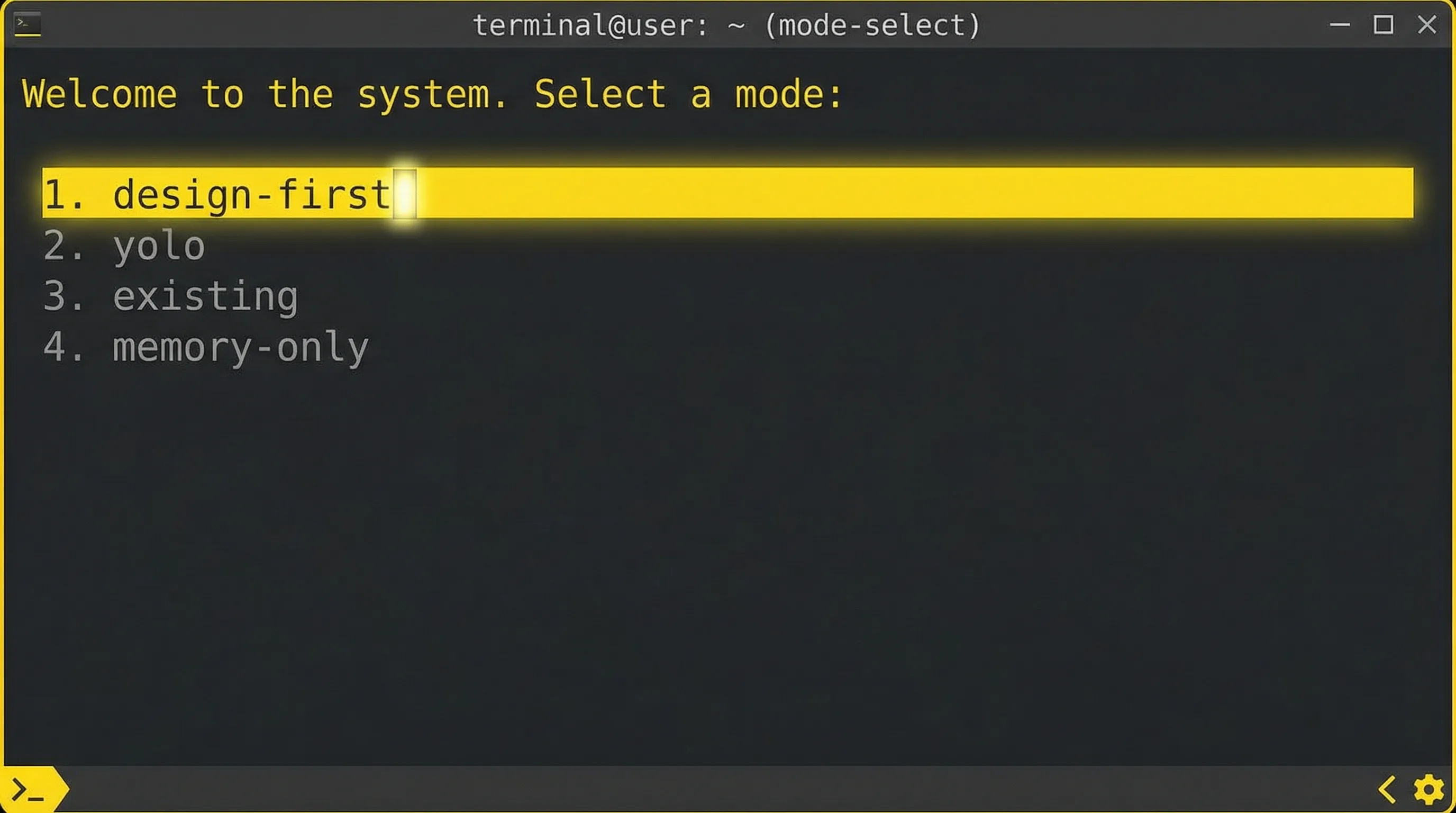
Codex is powerful — and sometimes too eager. Decisions you “finalized” can get rewritten. Constraints can drift. Tool usage can become inconsistent. MemoryKit exists to lock the past, keep the present coherent, and make the future ship faster.
Memory, modes, and mutation guards — all repo-local, all auditable.
Everything stored in .codex/ — context, constraints, patterns, glossary.
Pick the right workflow: design-first, yolo, existing, or memory-only.
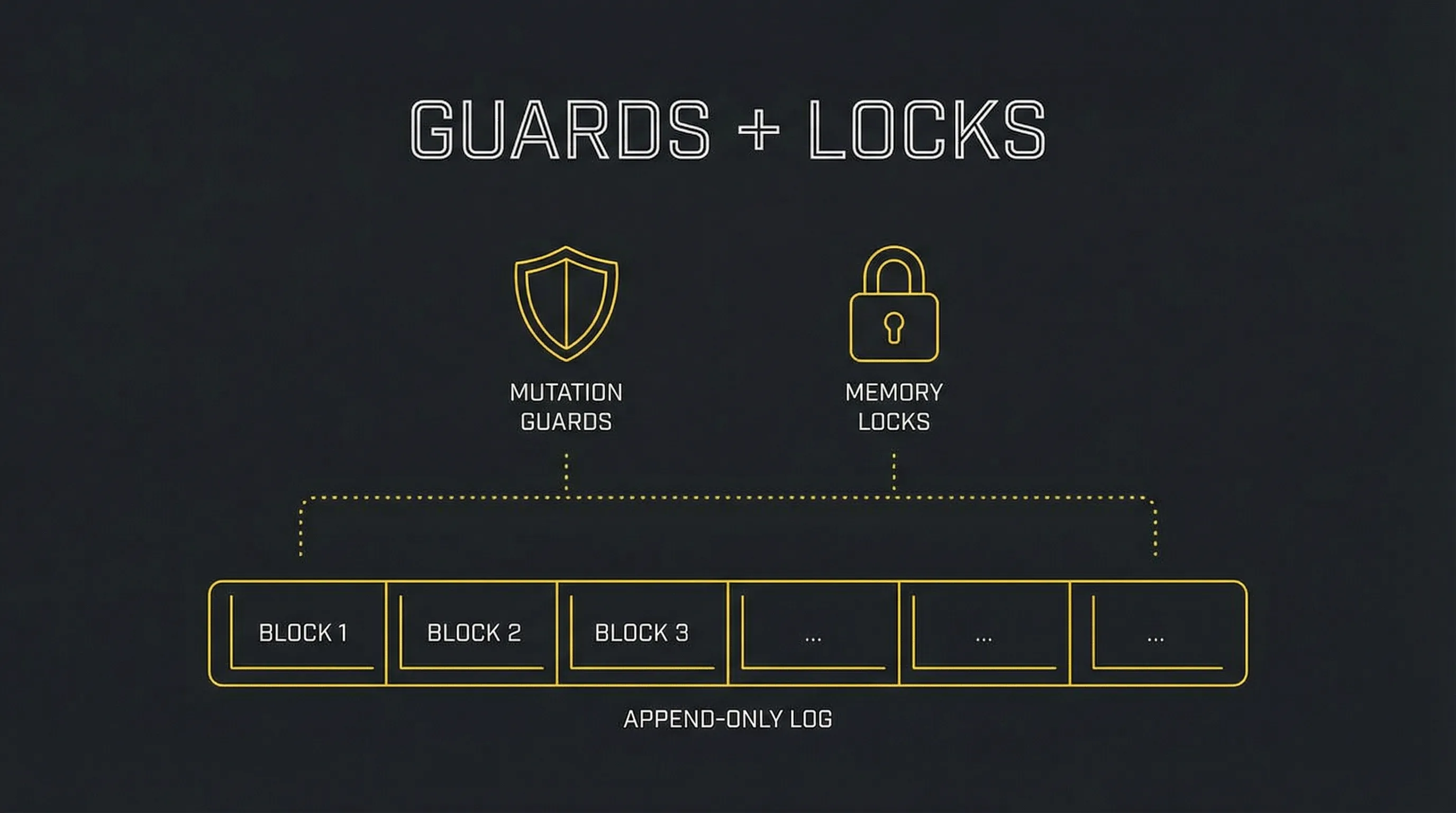
Append-only decision + history logs. No silent rewrites.
Lock files or sections so nothing changes without explicit unlock.
Standard .gitignore block keeps artifacts and noise out.
Codex picks the right skill and uses tools automatically.
Five steps to make Codex behave like a reliable teammate.
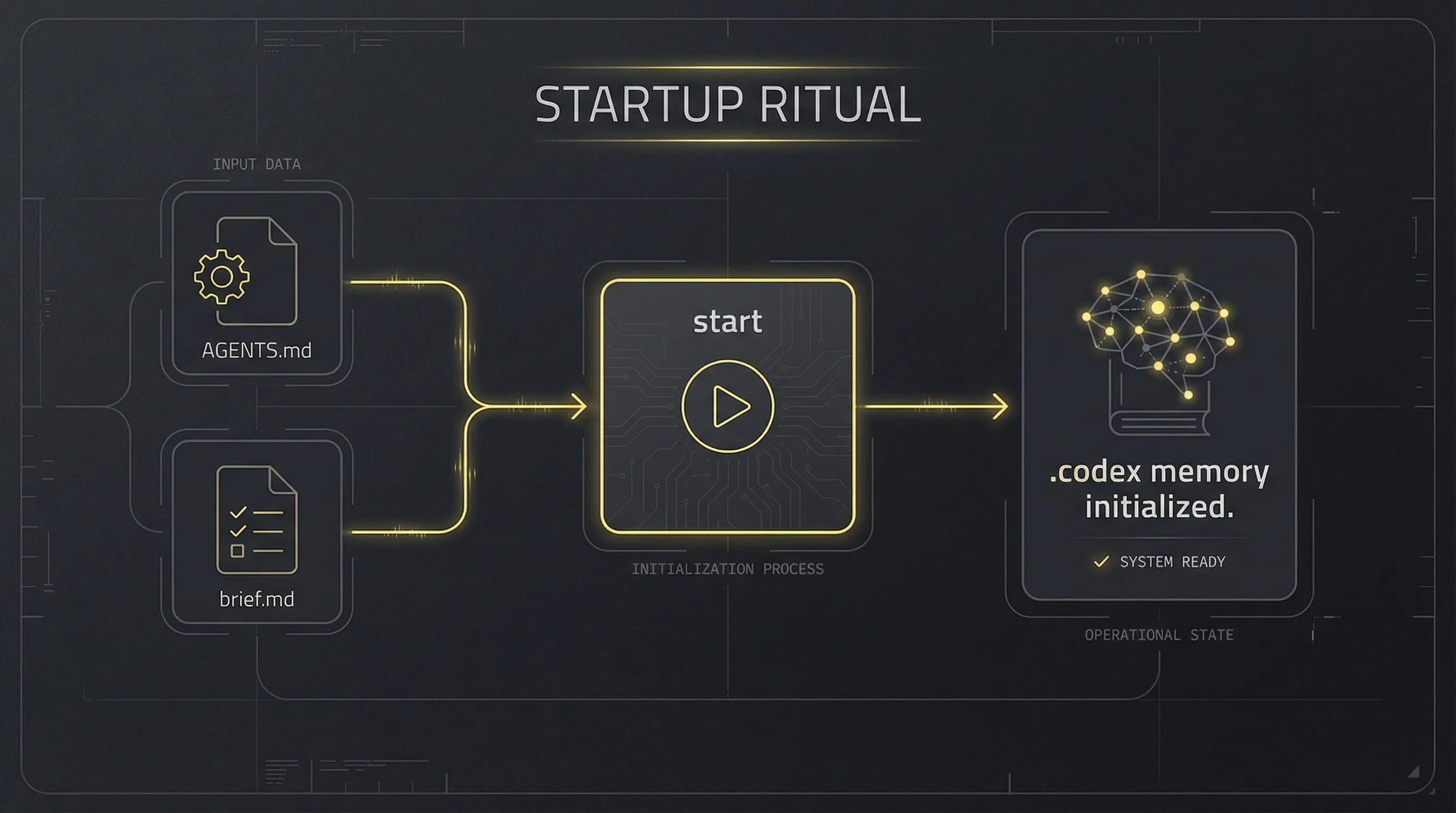
.codex/ into your repoAGENTS.md + brief.md at repo rootstartDifferent workflows for different project stages.
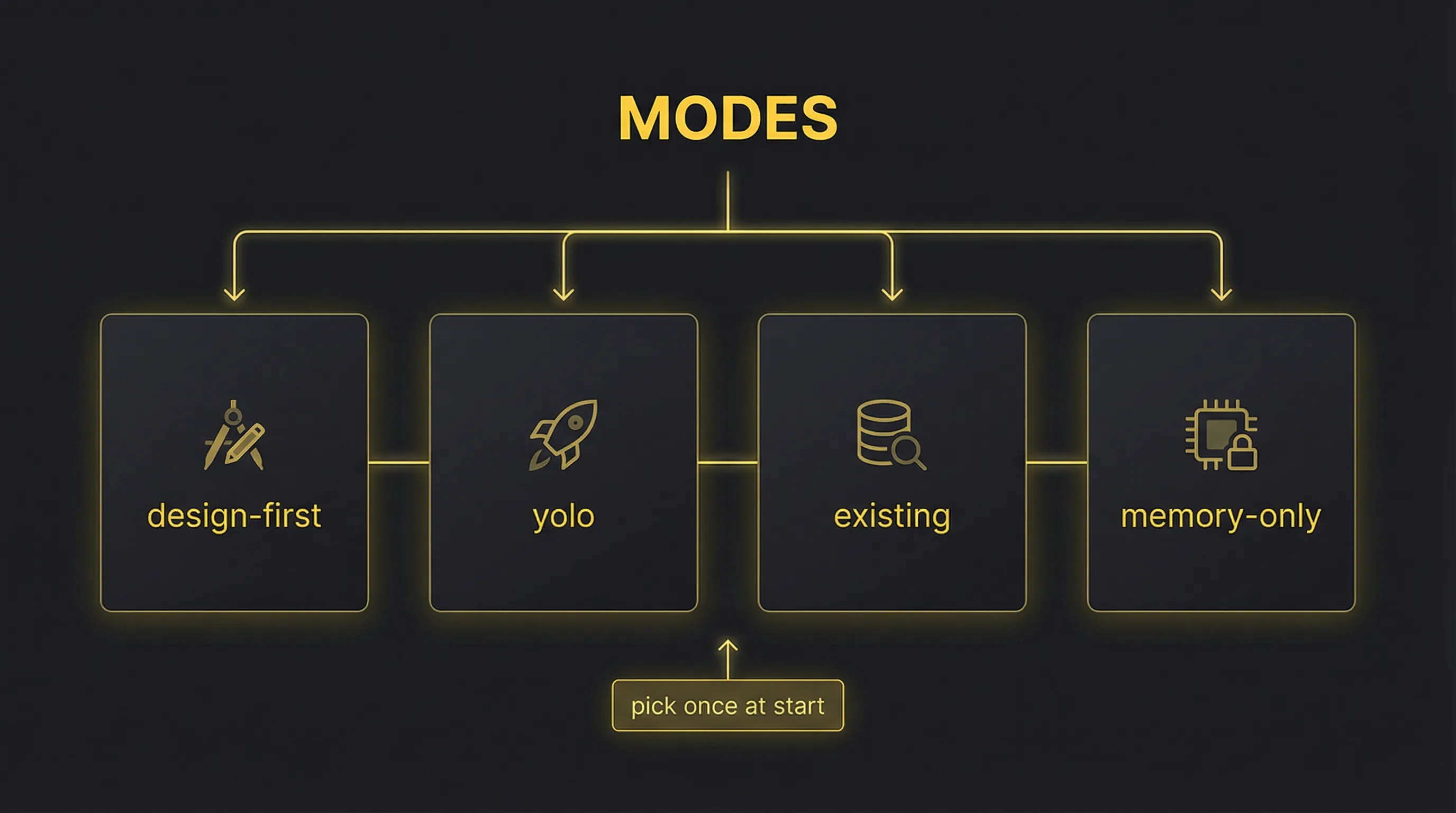
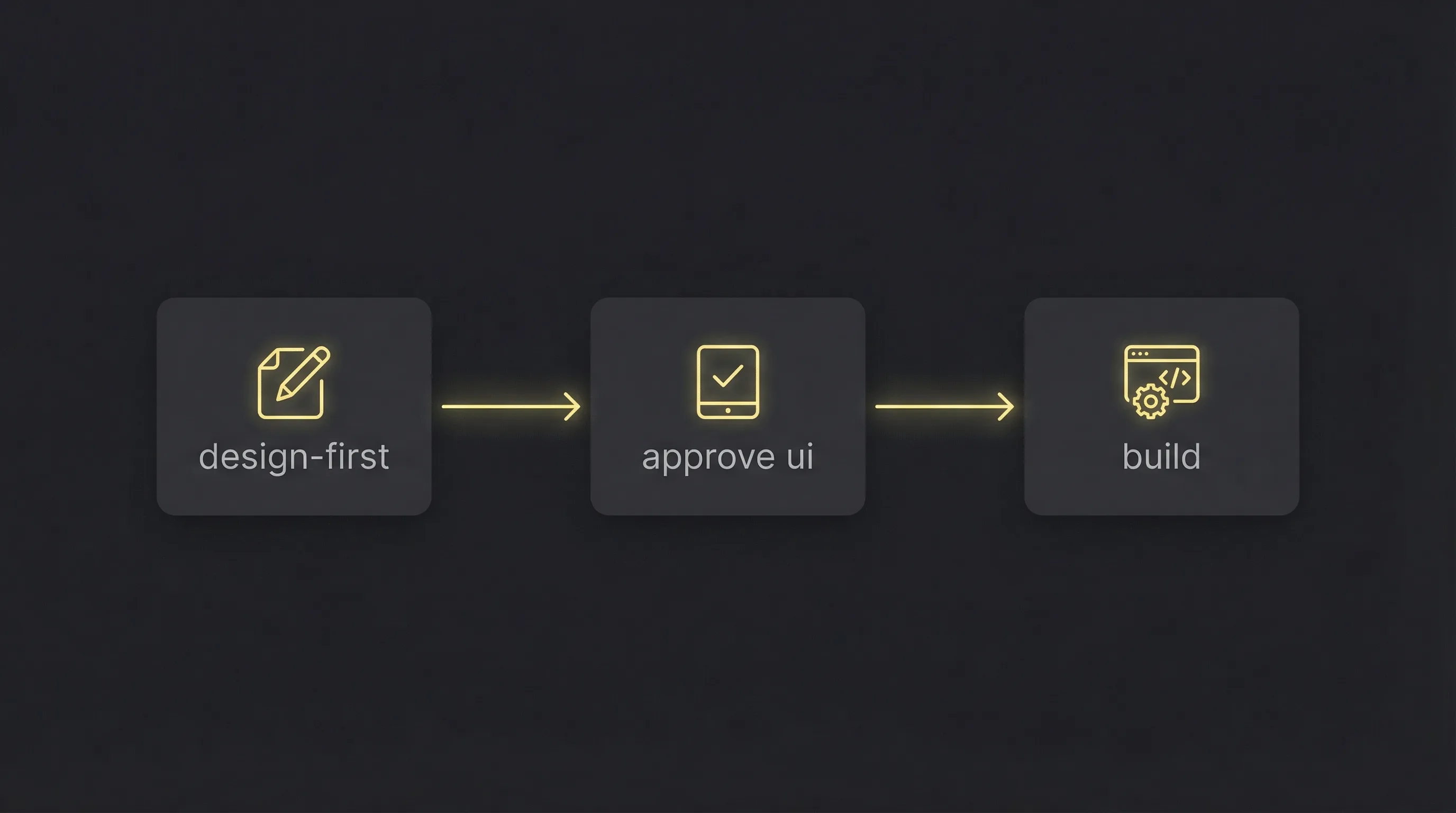
Build the front end first in HTML prototypes (motion-forward). No backend until UI approval.
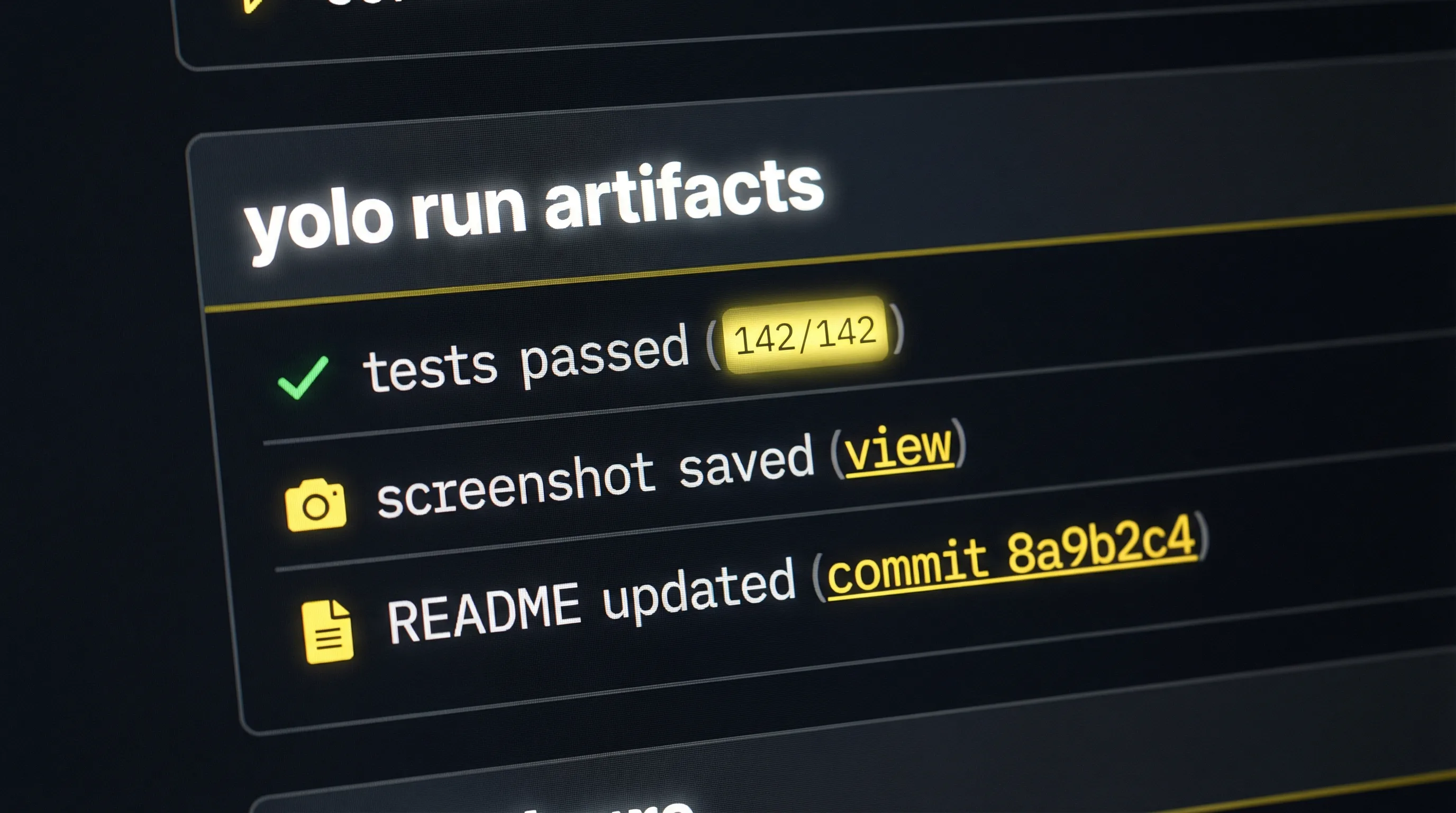
Design-first, then full implementation with tests, docs, and screenshots when ready.
For brownfield repos. Ask once whether to do a design review first.
Skip design gates. Use memory + skills for refactors, docs, ops, analysis.
Decisions and history are append-only. Locks prevent accidental changes. When Codex wants to change something important, it must either add a new decision entry or request an unlock.
MemoryKit installs a .gitignore block so artifacts and accidental files
don’t get tracked. .codex/ remains mostly Markdown + scripts; screenshots and
generated assets go into .codex/artifacts/.
MemoryKit defines trigger heuristics so Codex selects the right skill for a task. When motion/UI is involved, it should use Chrome MCP for preview/screenshots and Motion MCP for animation behavior and interaction notes.
MemoryKit supports optional Spec Kit integration and Spec YOLO from a single root
MASTER_SPEC.md. Root canon stays visible (AGENTS.md + brief.md)
with a canonical pointer (CURRENT.md) to the current guide (GUIDE.md).
Add component locks and git checkpoints to stop drift as you ship.
Real mock screenshots to show how MemoryKit feels in use.
Quick start for getting MemoryKit into your repo.
Copy .codex/, then add AGENTS.md, brief.md, and
MASTER_SPEC.md at the repo root.
Run start, pick a mode, and let MemoryKit scaffold memory and rules.
Choose design-first, yolo, existing, or memory-only based on repo state.
No. MemoryKit is local and repo-based.
It prevents silent rewrites. Changes must be logged as new decisions, or require unlocking.
Yes. Use existing mode and optionally run a design review.
Because new projects and existing repos require different workflows. Modes remove ambiguity.
Treat that as drift and restore it. The kit’s rules require it.
Repo-local memory + workflow rules for Codex. Ship fast without rewriting history.